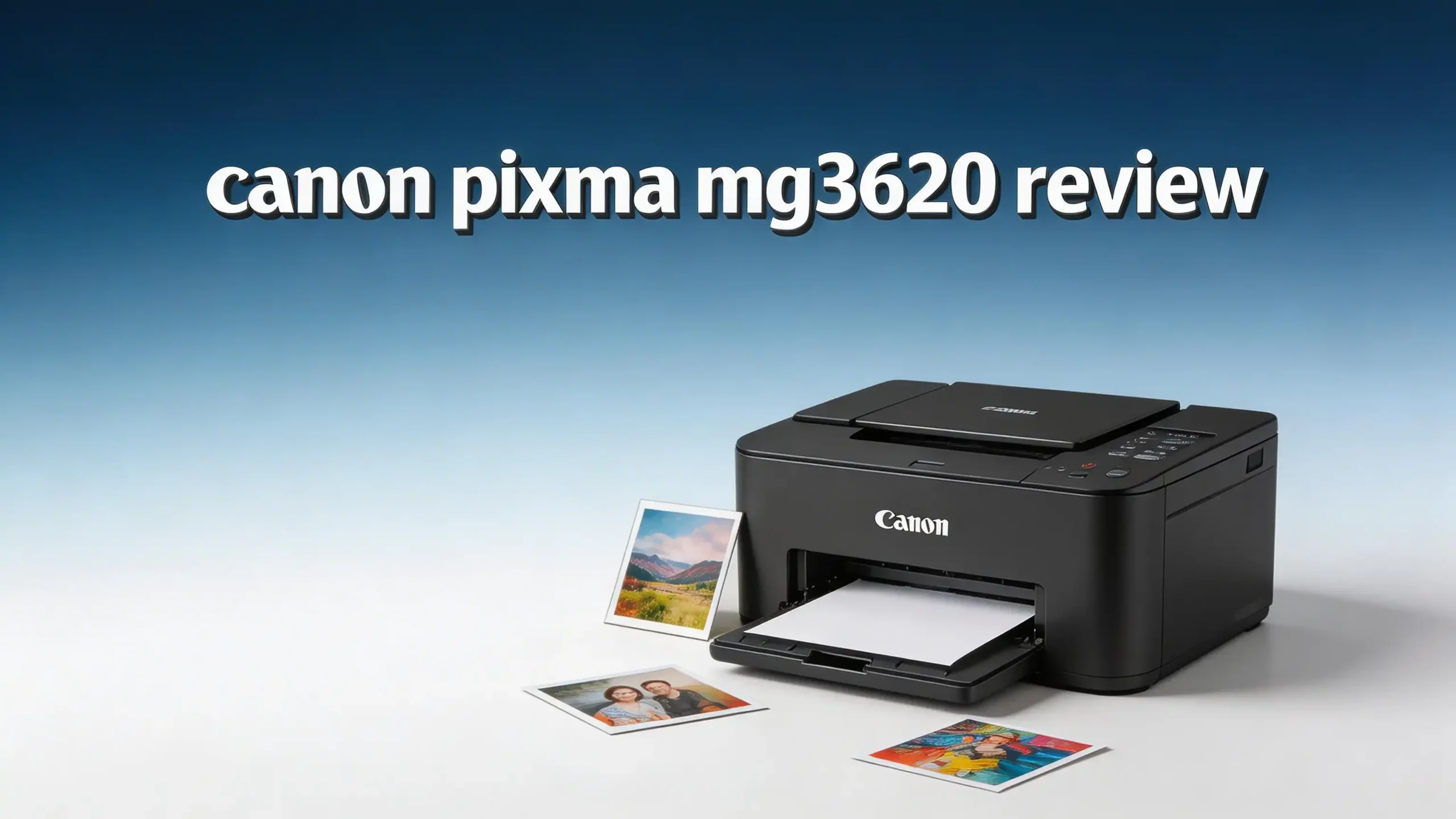
Are you looking for a cheap and reliable home printer in 2026? The Canon PIXMA MG3620 has been one of the most popular budget printers on the market for years.
It offers wireless printing, scanning, and copying in a compact body. But does it still hold up in 2026?
This printer launched back in 2015, and Canon has continued to sell it. It remains a top seller on Amazon and at major retailers. The question is simple: should you still buy this printer today, or are there better options available?
In this full review, we break down everything about the Canon PIXMA MG3620. We cover print quality, speed, ink costs, wireless features, and more.
Key Takeaways
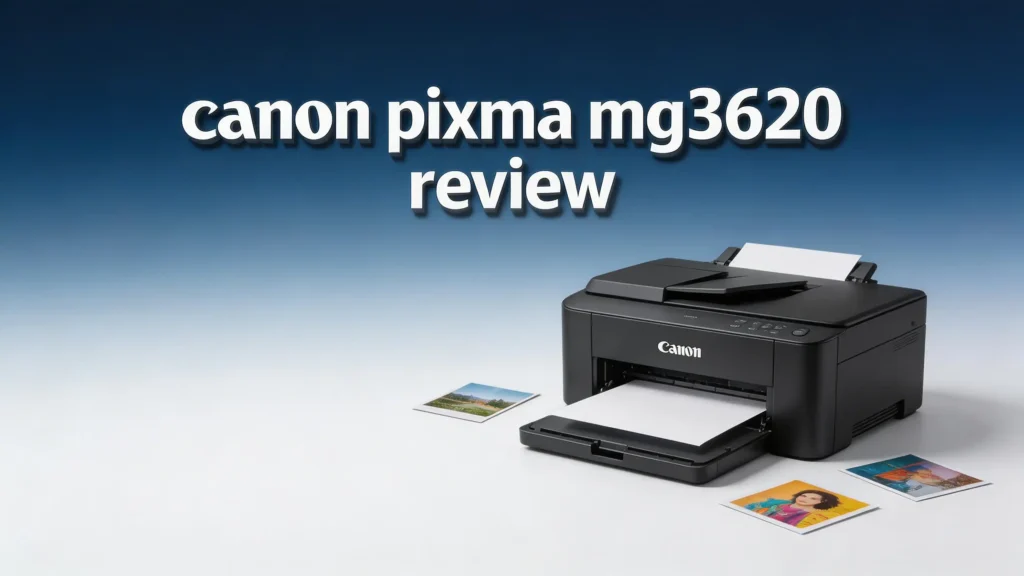
- The Canon PIXMA MG3620 is a budget all-in-one inkjet printer that handles printing, scanning, and copying. It uses a simple two-cartridge ink system with Canon PG-240 (black) and CL-241 (color) cartridges. High-yield XL versions are also available to reduce your cost per page.
- Wireless connectivity is a standout feature. You can print from your phone, tablet, or laptop using Wi-Fi, Apple AirPrint, or the Canon PRINT app. This makes it easy to print from almost any device without plugging in cables.
- Print resolution reaches up to 4800 x 1200 dpi, which produces sharp text and vibrant photos. Photo quality is surprisingly good for a printer at this price point.
- Print speeds are modest at 9.9 pages per minute (black) and 5.7 pages per minute (color). These speeds work fine for light home use but may feel slow for larger print jobs.
- Automatic duplex printing saves paper by printing on both sides without manual flipping. This feature is rare in printers at this price range.
- The main drawbacks include a small 100-sheet paper tray and the lack of an automatic document feeder (ADF). If you scan or copy multi-page documents often, you will need to feed pages one at a time.
Canon PIXMA MG3620 Overview

- Product_Type - Inkjet Multifunction Printer
- Scan_Resolution_Width_X_Height - 1200 dpi
Last update on 2026-09-21 / Affiliate links / Images from Amazon Product Advertising API
The Canon PIXMA MG3620 is a wireless all-in-one inkjet printer that prints, scans, and copies. Canon released it in July 2015. It measures 17.7 inches wide, 12.0 inches deep, and 6.0 inches tall. It weighs about 11.9 pounds, which makes it easy to move around your home.
This printer uses Canon’s hybrid ink system. It combines dye-based ink for vivid color photos and pigment-based black ink for crisp text. The result is a versatile machine that handles both documents and photos well.
The MG3620 connects through Wi-Fi, USB, or Wi-Fi Direct. You do not need a router to connect your device directly to the printer. Canon also supports AirPrint, Google Cloud Print alternatives, and the Canon PRINT app for smartphone printing.
For a printer in this price range, it packs a solid set of features. It continues to attract buyers who want a simple, affordable, and wireless printing solution for everyday home use.
Print Quality and Resolution
The Canon PIXMA MG3620 delivers 4800 x 1200 dpi maximum color resolution. This number sounds impressive, and the results back it up. Text documents come out sharp and easy to read. The pigment black ink produces clean edges on letters and numbers.
Color printing shines on photo paper. You can print borderless photos in sizes up to 8.5 x 11 inches. Family photos, school projects, and greeting cards all look vibrant. The dye-based color ink produces rich tones and smooth gradients.
Standard documents like reports and spreadsheets look professional. Graphs and charts maintain their color accuracy. However, printing on plain paper does show some ink bleeding around the edges of images.
For a budget printer, the photo output is above average. It won’t match a dedicated photo printer, but it satisfies most home users who print photos occasionally. If you want the best photo results, use Canon’s genuine photo paper for the sharpest images.
Print Speed Performance
Speed is not the strongest point of the Canon PIXMA MG3620. It prints at 9.9 images per minute (ipm) in black and 5.7 ipm in color. These numbers come from Canon’s own testing under ideal conditions.
Real-world speeds tend to be slower. A standard text document takes a few seconds per page. A full-color photo on 4×6 paper takes roughly 44 seconds. If you print large batches of color photos, expect some waiting.
Automatic duplex printing adds extra time. Each two-sided page requires the printer to pull the paper back in and flip it. This process doubles the print time per sheet.
For light home use, these speeds are acceptable. If you print fewer than 50 pages per week, you will not notice much frustration. But if you need a fast printer for a busy home office, the MG3620 may feel too slow. Consider a printer with faster output if speed is a priority.
Top 3 Alternatives for Canon PIXMA MG3620
1. Canon PIXMA TS3720

- ALL-IN-ONE: Print, Copy, Scan features for full control at your fingertips. Single-sided...
- FAST PRINT SPEEDS: Print approximately 7.7 (black) / 4 (color) images per minute.

Last update on 2026-09-22 / Affiliate links / Images from Amazon Product Advertising API
The Canon PIXMA TS3720 is a newer model from Canon. It offers a 1.5-inch LCD display, dual-band Wi-Fi (2.4GHz and 5GHz), and speeds up to 7.7 ipm in black. It uses Canon PG-275/CL-276 ink cartridges. This is a great upgrade if you want a more modern Canon printer.
2. HP DeskJet 2855e

- The DeskJet 2855e is perfect for homes printing to-do lists, letters, financial documents and...
- PERFECTLY FORMATTED PRINTS WITH HP AI – Print web pages and emails with precision—no wasted...
Last update on 2026-09-24 / Affiliate links / Images from Amazon Product Advertising API
The HP DeskJet 2855e is a competing budget all-in-one printer. It prints at 7.5 ppm in black and 5.5 ppm in color. It includes HP’s Instant Ink subscription option, which can lower your ink costs significantly. Setup is easy through the HP Smart app.
3. Brother MFC-J1360DW

- AFFORDABLE ALL-IN-ONE FOR HOME AND HOME OFFICE: Print, copy, and scan on one compact wireless...
- EASY TO USE WITH CLOUD APP CONNECTIONS: Print from and scan to popular Cloud apps(2), including...
Last update on 2026-09-21 / Affiliate links / Images from Amazon Product Advertising API
The Brother MFC-J1360DW is a step up from the MG3620. It includes an automatic document feeder, fax capability, and a 1.8-inch color display. It prints faster and has better page yields on its ink cartridges. This printer is a strong choice if you need more features.
Wireless and Mobile Printing Features
The Canon PIXMA MG3620 offers three wireless connection methods: standard Wi-Fi, Wi-Fi Direct, and USB. Wi-Fi lets you connect the printer to your home network. Wi-Fi Direct creates a direct link between your device and the printer without a router.
Apple AirPrint support lets iPhone and iPad users print without installing any app. Android users can print through the Canon PRINT app or Mopria Print Service. The Canon PRINT app also lets you scan documents directly to your phone.
You can print from cloud services too. The printer works with services like Google Drive and Dropbox through the Canon app. This gives you flexibility to print documents stored online.
Setup takes about 10 to 15 minutes. You connect the printer to your Wi-Fi network using the WPS button or through the Canon PRINT app. Most users report the process is straightforward and quick. The wireless connection stays stable for most users, though some report occasional dropouts with older routers.
Scanner and Copier Functions
The Canon PIXMA MG3620 has a flatbed scanner built into the top. It scans at an optical resolution of 1200 x 2400 dpi. This resolution captures fine details in photos and documents.
Scanning a single page takes a few seconds for a standard resolution scan. Higher resolution scans take longer but produce sharper images. The scanner works well for digitizing old photos, receipts, and documents.
The copy function makes duplicates without needing a computer. You place a document on the scanner glass, press the copy button, and the printer produces a copy. You can adjust the number of copies and zoom level.
The biggest limitation is the lack of an automatic document feeder (ADF). You must place each page on the glass one at a time. If you need to scan or copy a 20-page document, you will lift the lid 20 times. This is a real drawback for anyone who handles multi-page documents regularly.
Ink Cartridge System and Running Costs
The Canon PIXMA MG3620 uses a two-cartridge system. The Canon PG-240 handles black ink, and the CL-241 handles color. You can also buy the high-yield PG-240XL and CL-241XL versions for a lower cost per page.
Standard cartridges yield about 180 pages (black) and 180 pages (color). The XL cartridges boost that to roughly 300 pages (black) and 300 pages (color). These page yields assume 5% coverage per page.
Ink costs are a known weakness of this printer. The standard cartridges cost more per page than many competitors. Using XL cartridges is strongly recommended to keep costs manageable.
Third-party ink cartridges are available at lower prices. They can save you money, but quality varies. Some third-party cartridges produce slightly different colors or may cause printhead issues. Canon recommends using genuine cartridges for the best results and to protect your warranty.
Paper Handling and Tray Capacity
The Canon PIXMA MG3620 has a rear paper tray that holds up to 100 sheets of plain paper. This is a modest capacity. You will need to refill the tray frequently if you print often.
The printer accepts paper sizes from 4×6 inches up to 8.5×11 inches (letter size). It also handles envelopes and Canon’s specialty photo papers. You can print borderless photos on compatible paper sizes.
The rear-loading tray design keeps the printer compact. Paper feeds from the back and exits from the front. This layout works well for most desk setups.
There is no separate photo paper tray. You must swap out plain paper for photo paper each time you switch. This manual process can be annoying if you alternate between document and photo printing frequently. Printers with dual trays handle this much better.
Design and Build Quality
The Canon PIXMA MG3620 has a compact and clean design. It comes in black, white, and red color options. The body is mostly plastic, which keeps the weight low at 11.9 pounds.
The top panel has a few simple buttons for power, Wi-Fi, copy, and scan functions. There is no LCD screen on this printer. All settings adjustments happen through your computer or the Canon app. This keeps the design simple but limits standalone control.
Build quality is decent for a budget printer. The paper tray feels a bit flimsy, and the scanner lid is lightweight. But the overall construction holds up well with regular home use.
The printer’s footprint is small enough for a desk, shelf, or side table. It does not take up much space. The clean lines and minimal design help it blend into most home setups without looking bulky or out of place.
Setup and Ease of Use
Setting up the Canon PIXMA MG3620 is quick and beginner-friendly. You unbox the printer, remove the packaging tape, install the two ink cartridges, and load paper. Canon includes a setup guide in the box.
The Wi-Fi connection process uses the Canon PRINT app or the WPS push-button method on your router. The app walks you through each step with clear instructions. Most users finish the full setup in under 15 minutes.
Driver installation on Windows and Mac is straightforward. Canon provides drivers on their website for download. Once installed, the printer appears as an available device in your print menu.
Daily use is simple. You select the printer from any app, choose your settings, and press print. The Canon PRINT app adds extra features like scanning to your phone and checking ink levels. The app interface is clean and easy to understand, even for first-time printer owners.
Who Should Buy the Canon PIXMA MG3620?
This printer fits a specific type of user. It works best for students, families, and individuals who print a small volume of documents and photos each week. If you need to print homework, recipes, boarding passes, or family photos, this printer handles those tasks well.
It is also a solid pick for anyone on a tight budget. The upfront cost is low, and the printer delivers reliable performance. The wireless features make it convenient for households with multiple devices.
Remote workers who print fewer than 50 pages per week will also find this printer adequate. It handles basic document printing with clean text output and decent color reproduction.
However, this printer is not ideal for heavy printing, home offices with high volume needs, or users who scan multi-page documents often. The slow speeds, limited paper capacity, and missing ADF make it a poor fit for demanding tasks. If that describes your needs, look at the Brother MFC-J1360DW or a laser printer instead.
Pros and Cons of the Canon PIXMA MG3620
The strengths of this printer are clear. It offers wireless and mobile printing, automatic duplex printing, good photo quality, and a compact size. The low purchase price makes it accessible for almost any budget. Canon’s hybrid ink system delivers sharp text and vibrant photos.
The weaknesses are also worth noting. Print speeds lag behind newer competitors. The 100-sheet paper tray requires frequent refills. Ink costs per page are higher than average unless you use XL cartridges. There is no ADF and no LCD screen.
The printer also lacks modern features found in newer models. Dual-band Wi-Fi, touchscreen displays, and USB flash drive printing are absent here. These features come standard on many 2024 and 2025 printer models.
Overall, the pros outweigh the cons for light home use. But the gap between this 2015 printer and newer models has grown wider each year. You should weigh the savings against the missing features before making your decision.
Is the Canon PIXMA MG3620 Still Worth It in 2026?
The honest answer is: it depends on your priorities. If you want the cheapest possible all-in-one printer and your printing needs are light, the MG3620 still works. It prints, scans, and copies with wireless convenience. It does the basics well.
But in 2026, newer printers offer better speeds, lower ink costs, more connectivity options, and extra features at similar or slightly higher prices. The Canon PIXMA TS3720, HP DeskJet 2855e, and Brother MFC-J1360DW all provide upgrades over the MG3620.
If you already own the MG3620 and it works fine, there is no urgent reason to replace it. Keep using XL cartridges to manage ink costs.
If you are buying a new printer today, consider spending a little more for a newer model. The improvements in speed, features, and ink efficiency are worth the extra investment. The MG3620 remains a functional printer, but it is no longer the best value in its category.
Final Verdict on the Canon PIXMA MG3620
- Product_Type - Inkjet Multifunction Printer
- Scan_Resolution_Width_X_Height - 1200 dpi
Last update on 2026-09-21 / Affiliate links / Images from Amazon Product Advertising API
The Canon PIXMA MG3620 earns a solid 3.5 out of 5 for 2026. It was an excellent budget printer at launch, and it still handles basic tasks reliably. The wireless features, duplex printing, and photo quality remain strong points.
The missing ADF, slow print speeds, and high ink costs hold it back. These shortcomings matter more now than they did in 2015 because the competition has improved.
For casual home users who print occasionally, it is a functional and affordable choice. For anyone who prints regularly or needs advanced features, a newer printer will serve you better. The Canon PIXMA TS3720 is the natural upgrade within Canon’s lineup.
Thank you for reading this Canon PIXMA MG3620 review. We hope it helped you decide whether this printer fits your needs in 2026.
Frequently Asked Questions
Does the Canon PIXMA MG3620 work with Windows 11 and macOS?
Yes. Canon provides updated drivers for both Windows 11 and the latest macOS versions. You can download them from Canon’s official support website. The printer also works with Chromebooks through standard wireless printing protocols.
What ink cartridges does the Canon PIXMA MG3620 use?
The printer uses Canon PG-240 (black) and CL-241 (color) cartridges. High-yield versions are the PG-240XL and CL-241XL. The XL cartridges offer roughly 300 pages each and provide a lower cost per printed page.
Can I print from my iPhone with the Canon PIXMA MG3620?
Yes. The Canon PIXMA MG3620 supports Apple AirPrint. You can print directly from any iPhone, iPad, or Mac without installing additional software. Just make sure your device and the printer are on the same Wi-Fi network.
Does the Canon PIXMA MG3620 have Bluetooth?
No. The Canon PIXMA MG3620 does not support Bluetooth. It connects through Wi-Fi, Wi-Fi Direct, or USB cable only. Wi-Fi Direct allows a direct connection without a router, which serves a similar purpose for mobile printing.
How long do Canon PIXMA MG3620 ink cartridges last?
Standard PG-240 and CL-241 cartridges yield approximately 180 pages each at 5% coverage. The XL versions yield about 300 pages each. Actual results depend on what you print. Text-heavy documents use more black ink, while photos use more color ink.
Is the Canon PIXMA MG3620 good for printing photos?
The MG3620 produces good quality photos for a budget printer. Its 4800 x 1200 dpi resolution and dye-based color ink create vibrant results on glossy photo paper. It handles 4×6 and 5×7 prints especially well. For professional-grade photos, you would need a dedicated photo printer.

Hi, I’m Sam! I’ve been passionate about technology for over a decade, fascinated by how innovative devices can transform our daily lives. As the founder of DeviceDiary.blog, I spend my days testing the latest gadgets, exploring AI innovations, and translating complex tech specs into practical insights.