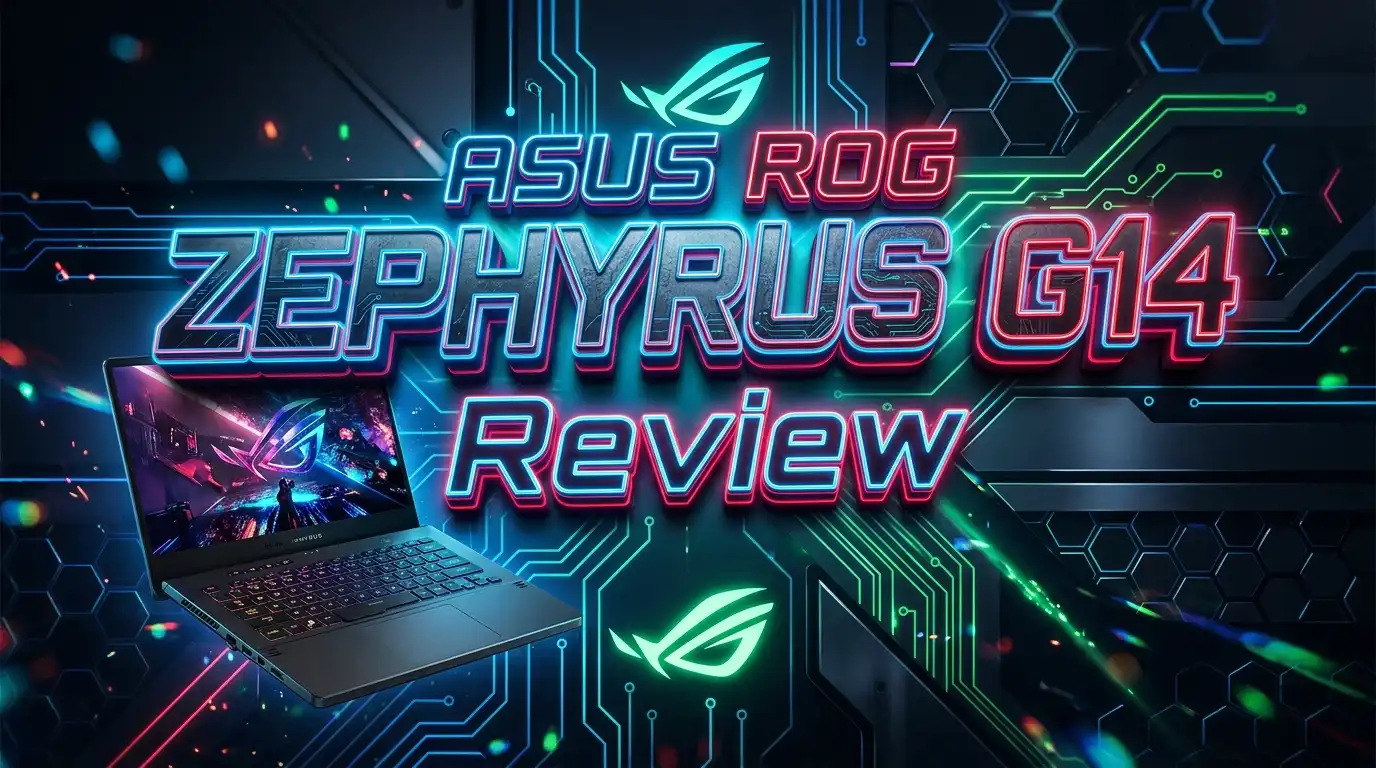
The ASUS ROG Zephyrus G14 has held its crown as the king of compact gaming laptops for years.
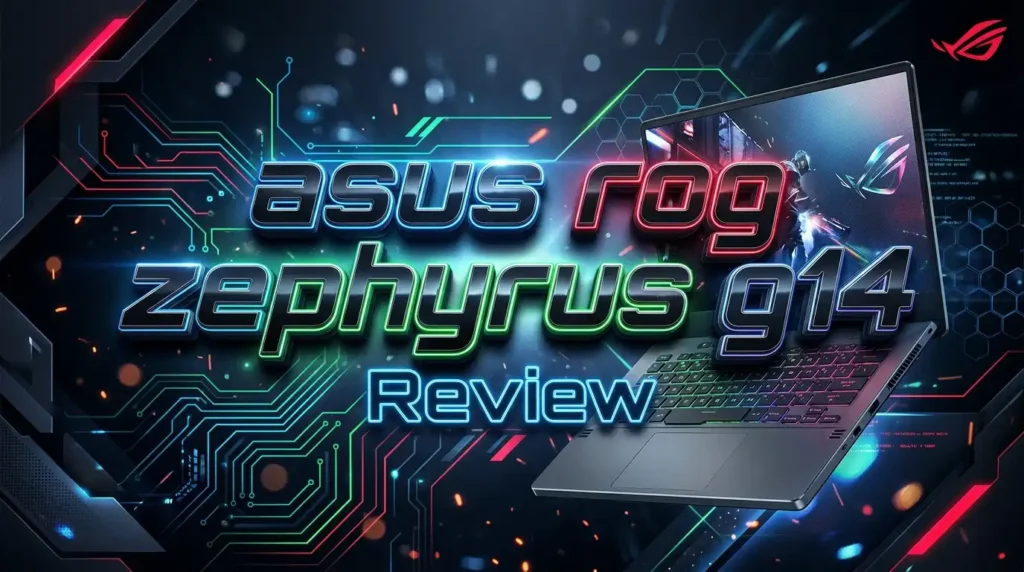
The 2026 model raises the bar even further. It packs an Intel Core Ultra 9 386H processor, up to an NVIDIA GeForce RTX 5080 Laptop GPU, and a breathtaking 3K OLED Nebula HDR display into a chassis that weighs just 3.46 pounds.
In this review, we will break down every aspect of the ASUS ROG Zephyrus G14 (2026). We will cover its performance, display, battery life, design, and much more. By the end, you will know exactly whether this laptop deserves a spot on your desk.
Key Takeaways
- The 2026 G14 ships in two variants. The GU405 uses an Intel Core Ultra 9 386H processor with up to 64GB of LPDDR5X-8533 RAM. The GA403 uses an AMD Ryzen AI 400 series chip with up to 32GB of RAM. Both support up to an RTX 5080 or RTX 5060 Laptop GPU.
- The new Nebula HDR OLED display hits 1100 nits of peak brightness. This is a major jump over the 2025 model. It also carries VESA DisplayHDR True Black 1000 certification, 100% DCI-P3 coverage, and a Delta E below 1 for color accuracy.
- Thermal design received a serious overhaul. ASUS added Tri-Fan Technology, 137 ultra-thin copper fins, and redesigned intake vents with 13,328 precision-cut perforations. Airflow has improved by up to 11.4% compared to the previous generation.
- Portability remains a top selling point. The laptop weighs just 3.46 lbs, measures as thin as 0.63 inches, and holds a 73Wh battery with fast charging that goes from 0 to 50% in 30 minutes.
- The Slash Lighting array has been upgraded from 7 to 35 zones. It now supports 15 preset animations, battery status indicators, and full customization through Armoury Crate.
- Connectivity is generous for a 14-inch laptop. You get Thunderbolt 4, dual USB-C with DisplayPort 2.1 and Power Delivery, dual USB 3.2 Gen2 Type-A, HDMI 2.1, a full-size SD card reader, and Wi-Fi 7 support.
ASUS ROG Zephyrus G14: Design and Build Quality

- The AMD Ryzen AI 9 HX 370 Processor Blends Power and Performance with Ease Armed with 12 cores...
- Experience Cutting Edge Graphics With NVIDIA GeForce RTX 5080 Laptop GPU Maximize your gaming...
The ASUS ROG Zephyrus G14 looks and feels premium from the moment you pick it up. ASUS machines this chassis entirely from 100% aluminum alloy using CNC machining. The result is a shell that resists flex and feels solid in your hands.
You can pick between two colorways: Eclipse Gray and Platinum White. Both feature a sandblasted and anodized finish that looks clean and resists fingerprints. The Easylift hinge lets you open the lid with one finger, a small detail that makes daily use much smoother.
The upgraded 35-zone Slash Lighting array on the lid is a head-turner. It adds personality without feeling over the top. ASUS also went through a 12-step manufacturing process for the chassis. Speaker holes, keyboard vents, and trackpad channels are all milled to ultra-tight tolerances. This laptop feels like a precision instrument.
Performance: Intel Core Ultra 9 386H and RTX 5080
The 2026 Zephyrus G14 GU405 model runs on the Intel Core Ultra 9 386H processor. This chip features 16 cores and 16 threads with a hybrid architecture. It uses Intel Cougar Cove P-Cores clocked at up to 4.9 GHz, Darkmont E-Cores at 3.9 GHz, and LP E-Cores at 3.5 GHz.
Pair that CPU with up to an NVIDIA GeForce RTX 5080 Laptop GPU at 130W TGP in manual mode, and you have a serious gaming and creative powerhouse. DLSS 4 and Multi Frame Generation push frame rates even higher in supported titles.
The AMD-based GA403 variant uses an AMD Ryzen AI 400 series processor with an RTX 5060 GPU. This option costs less and still delivers strong 1080p and 1440p gaming performance. Both models support up to 2TB of PCIe 4.0 SSD storage for fast load times across games and creative applications.
Display: 3K OLED Nebula HDR Panel
The display on the 2026 Zephyrus G14 is stunning. ASUS equipped this model with a 14-inch 3K (2880 x 1800) OLED panel. It refreshes at 120Hz and responds in just 0.2ms. That is fast enough to make motion blur almost invisible.
The biggest upgrade here is the ROG Nebula HDR engine. Peak brightness now reaches 1100 nits, a significant step up from the 2025 model. Sustained HDR brightness sits around 700 to 800 nits. SDR content displays at a comfortable 500 nits.
Color accuracy is exceptional. The panel covers 100% of the DCI-P3 color gamut with a Delta E of less than 1. It also holds VESA DisplayHDR True Black 1000 and Dolby Vision certifications. NVIDIA G-SYNC eliminates screen tearing, and Corning Gorilla Glass DXC protects the screen from scratches. For gamers and creators alike, this display delivers a class-leading experience.
Top 3 Alternatives for ASUS ROG Zephyrus G14

- ULTRA THIN .62 IN. DESIGN — Featuring a thinner and lighter design, this laptop is 11%...
- NVIDIA GEFORCE RTX 5070 LAPTOP GPU — Featuring up to a GeForce RTX 5070 GPU with up to 115 W...

- Unopened retail packaging, sold as configured by Lenovo. 3Y Lenovo Courier/Carry-in Included....
- Unleash peak performance with the Intel Core Ultra 9 275HX processor for unparalleled gaming,...

- AI-Powered Performance: Harness the capabilities of the latest Intel Core Ultra 7 processor to...
- Power Your Passion: Intuitive navigation with faster performance, Windows 11 Pro is perfect for...
Keyboard and Trackpad Experience
ASUS invested significant effort into the keyboard and trackpad of the 2026 G14. The keys have a 1.7mm travel distance, which gives them a satisfying and tactile feel. A shine-resistant anti-fingerprint coating keeps the keycaps looking fresh after months of heavy use.
The keyboard operates below 30 dB during typing, making it one of the quieter laptop keyboards available. ASUS rates each key for 20 million presses, so durability is not a concern. N-key rollover ensures every command registers during intense gaming sessions.
The trackpad is extra-large for a 14-inch machine. It responds quickly to gestures and tracks your fingers with precision. For productivity tasks and casual browsing, it eliminates the need for an external mouse. The 240Hz polling rate on the keyboard also gives competitive gamers a slight edge in input speed.
Thermal Management and Cooling System
Thin gaming laptops often struggle with heat. The 2026 Zephyrus G14 addresses this with a completely redesigned cooling system. ASUS calls it ROG Intelligent Cooling, and it uses multiple components working together.
The Tri-Fan Technology system uses three fans to direct airflow across the CPU, GPU, and VRAM. The dual exhaust heatsink contains 137 copper fins as thin as 0.1mm. These fins create a massive surface area of 48,371mm² to dissipate heat efficiently.
The redesigned intake mesh has 13,328 precision-cut perforations. This increases the ventilation area by 26% compared to the previous design. A dust filter over the air intakes prevents debris from clogging the system over time. The result is an 11.4% improvement in airflow rate. Under normal workloads, the 0dB Ambient Cooling mode turns off all fans for completely silent operation.
Battery Life and Charging
The 2026 Zephyrus G14 carries a 73Wh battery. For light tasks like web browsing and video playback, you can expect around 10 to 11 hours of use. Gaming drains the battery faster, as expected, giving roughly 2 hours of play on battery power.
Fast charging is one of the most useful features here. You can go from 0% to 50% in just 30 minutes. This saves you during short breaks between meetings or travel stops.
The laptop supports USB-C Power Delivery 3.0 on both Type-C ports. This means you can charge with a compatible USB-C charger instead of the dedicated power brick. One USB-C port sits on each side of the machine, so you can plug in from whichever side is most convenient. ASUS also includes its Slim Power Jack for the standard charging adapter.
Audio Quality: Six Speakers and Dolby Atmos
ASUS packed six speakers into this slim 14-inch laptop. The setup includes dual side-firing woofers that hit bass frequencies as low as 100Hz. This is impressive for a machine this thin.
Dolby Atmos powers the audio with virtual 5.1.2 channel surround sound. Movies, games, and music all benefit from the spatial audio processing. You hear directional cues clearly during gameplay, and movie dialogue stays crisp against background scores.
AI Noise Cancellation filters out unwanted background sounds during video calls. It removes steady noise like air conditioning, fan hum, and coffee shop ambience without distorting your voice. The Voice Print feature adds another layer. It creates a vocal fingerprint for your voice, so the AI assistant responds specifically to you, even in a room full of people.
Connectivity and Ports
For a 14-inch gaming laptop, the Zephyrus G14 offers generous port selection. On the left side, you get a Thunderbolt 4 USB-C port with DisplayPort 2.1 and Power Delivery 3.0 support. There is also a USB 3.2 Gen2 Type-A port and an HDMI 2.1 output.
The right side carries a second USB-C port (USB 3.2 Gen2) with DisplayPort 2.1 and Power Delivery. You also get another USB 3.2 Gen2 Type-A port, a full-size UHS-II SD card reader at 312MB/s, and a 3.5mm audio combo jack.
Wireless connectivity comes through Wi-Fi 7 with 2×2 MIMO, supporting speeds up to 5.8 Gbps. This standard handles congested networks better than Wi-Fi 6E. Bluetooth is also included for connecting headsets, controllers, and other peripherals. This port layout covers all use cases without needing a USB hub.
Software and AI Features
- The AMD Ryzen AI 9 HX 370 Processor Blends Power and Performance with Ease Armed with 12 cores...
- Experience Cutting Edge Graphics with NVIDIA GeForce RTX 5070 Ti Laptop GPU Maximize your...
ASUS ships the Zephyrus G14 with Armoury Crate, its central management app. From here, you can monitor CPU and GPU temperatures in real time. You can adjust fan curves, switch between performance modes, and customize the RGB lighting on the keyboard and Slash Lighting array.
The laptop comes with four operating modes: Silent, Performance, Turbo, and Manual. Silent mode keeps fan noise below 35 dBA and maximizes battery life. Performance mode balances power and acoustics for daily use. Turbo mode pushes maximum wattage to the CPU and GPU. Manual mode lets you fine-tune every setting yourself.
The new ROG Virtual Assistant uses AI to help you work faster. It can summarize documents, transcribe voice memos, and help you learn new software. OLED Care technology protects the display from burn-in with automatic pixel shifting. ASUS also includes 2 months of Xbox Game Pass, giving you access to over 200 games right out of the box.
2026 Zephyrus G14 vs 2025 Zephyrus G14
The 2026 model improves on the 2025 G14 in several meaningful ways. The biggest difference is the Intel option. The 2025 model only offered AMD processors. The 2026 GU405 variant gives you Intel Core Ultra 9 386H, along with up to 64GB of faster LPDDR5X-8533 RAM.
Display brightness jumped from roughly 500-600 nits peak on the 2025 model to 1100 nits peak on the 2026 Nebula HDR panel. This makes a visible difference in HDR content and bright environments. The Slash Lighting array went from 7 zones to 35 zones, offering much more detailed and customizable animations.
The cooling system also saw a notable overhaul. The 2026 model adds the Tri-Fan system and increases heatpipe coverage from 30% to 42% of the motherboard. The intake vents were completely redesigned for 26% more ventilation area. If you already own the 2025 G14, the upgrade depends on your priorities. But for first-time buyers, the 2026 version is the clear pick.
Gaming Performance and Benchmarks
The RTX 5080 configuration of the 2026 Zephyrus G14 handles AAA games at high settings with ease. At 1440p with DLSS enabled, titles like Cyberpunk 2077, Alan Wake 2, and Black Myth: Wukong run above 60 FPS consistently. Many competitive titles like Valorant and CS2 push well past 144 FPS at the native 3K resolution.
The 130W TGP in manual mode extracts maximum performance from the RTX 5080. NVIDIA Multi Frame Generation further boosts perceived smoothness in supported games. Ray tracing performance is solid for a laptop this size, thanks to the improved RT cores in the RTX 50 series architecture.
The RTX 5060 variant in the GA403 model delivers strong performance at 1080p and manages well at 1440p with DLSS. For esports titles and lighter AAA games, it is more than sufficient. Both configurations benefit from the fast PCIe 4.0 SSD, which keeps load times short across all games.
Who Should Buy the ASUS ROG Zephyrus G14?
This laptop is ideal for gamers who value portability above all else. At 3.46 pounds and 0.63 inches thin, it fits easily into a backpack and travels without complaint. Students, traveling professionals, and content creators who need a single machine for everything will appreciate what the G14 offers.
If you need the best 14-inch OLED display on any gaming laptop, the G14 delivers. The Nebula HDR panel is top-tier for both gaming and creative work. Photographers, video editors, and digital artists benefit from its color accuracy and wide gamut coverage.
However, this laptop is not the cheapest option. The GU405 flagship model starts around $2,700 and can reach $3,400 depending on configuration. If you need more budget-friendly gaming performance, the AMD-based GA403 variant or one of the alternatives listed above may serve you better.
Final Verdict: Is the ASUS ROG Zephyrus G14 Worth It?
The ASUS ROG Zephyrus G14 (2026) is the best compact gaming laptop available right now. It combines flagship-level performance with a gorgeous OLED display, excellent build quality, and genuine portability. The thermal improvements address one of the few weaknesses of prior models.
The Nebula HDR OLED panel is a generational leap in brightness and HDR capability. The dual-processor option between Intel and AMD gives buyers more flexibility. Port selection, keyboard quality, and audio all exceed expectations for a 14-inch machine.
You pay a premium for this experience, but the G14 justifies its price. If you want a powerful gaming laptop that doubles as a productivity machine and still fits in your bag, this is the one to buy.
Frequently Asked Questions
How much does the ASUS ROG Zephyrus G14 cost?
The 2026 Zephyrus G14 starts around $2,300 for the entry configuration with an RTX 5060. The flagship GU405 model with Intel Core Ultra 9 and RTX 5080 ranges from $2,700 to $3,400 depending on RAM and storage options. Prices may vary by retailer and region.
Does the ASUS ROG Zephyrus G14 have upgradeable RAM?
No. The RAM on both the GU405 and GA403 models is soldered onto the motherboard. The Intel GU405 supports up to 64GB of LPDDR5X-8533, while the AMD GA403 supports up to 32GB of LPDDR5X-7500. Choose your configuration carefully at the time of purchase.
Can the ASUS ROG Zephyrus G14 handle content creation?
Yes. The 3K OLED display covers 100% DCI-P3 with Delta E below 1, making it accurate enough for professional photo and video editing. The RTX 5080 GPU accelerates rendering in Adobe Premiere Pro, DaVinci Resolve, and Blender. Up to 64GB of RAM handles large project files without slowdowns.
Is the OLED display on the Zephyrus G14 prone to burn-in?
ASUS includes OLED Care technology to reduce the risk of burn-in. It uses pixel shifting to prevent static high-contrast images from staying in one spot for too long. Under normal usage patterns with these protections active, burn-in should not be a concern for most users.
What is the difference between the GU405 and GA403 models?
The GU405 uses an Intel Core Ultra 9 386H processor, supports up to 64GB RAM, and comes with up to an RTX 5080 GPU. The GA403 uses an AMD Ryzen AI 400 series chip, supports up to 32GB RAM, and pairs with an RTX 5060 GPU. The GU405 is the higher-end option, while the GA403 offers a more affordable entry point.
Does the ASUS ROG Zephyrus G14 support external monitors?
Yes. It supports external displays through HDMI 2.1 and two USB-C ports with DisplayPort 2.1. The Thunderbolt 4 port on the GU405 model also works with Thunderbolt docking stations. You can connect multiple monitors for an expanded workspace or gaming setup.

Hi, I’m Sam! I’ve been passionate about technology for over a decade, fascinated by how innovative devices can transform our daily lives. As the founder of DeviceDiary.blog, I spend my days testing the latest gadgets, exploring AI innovations, and translating complex tech specs into practical insights.