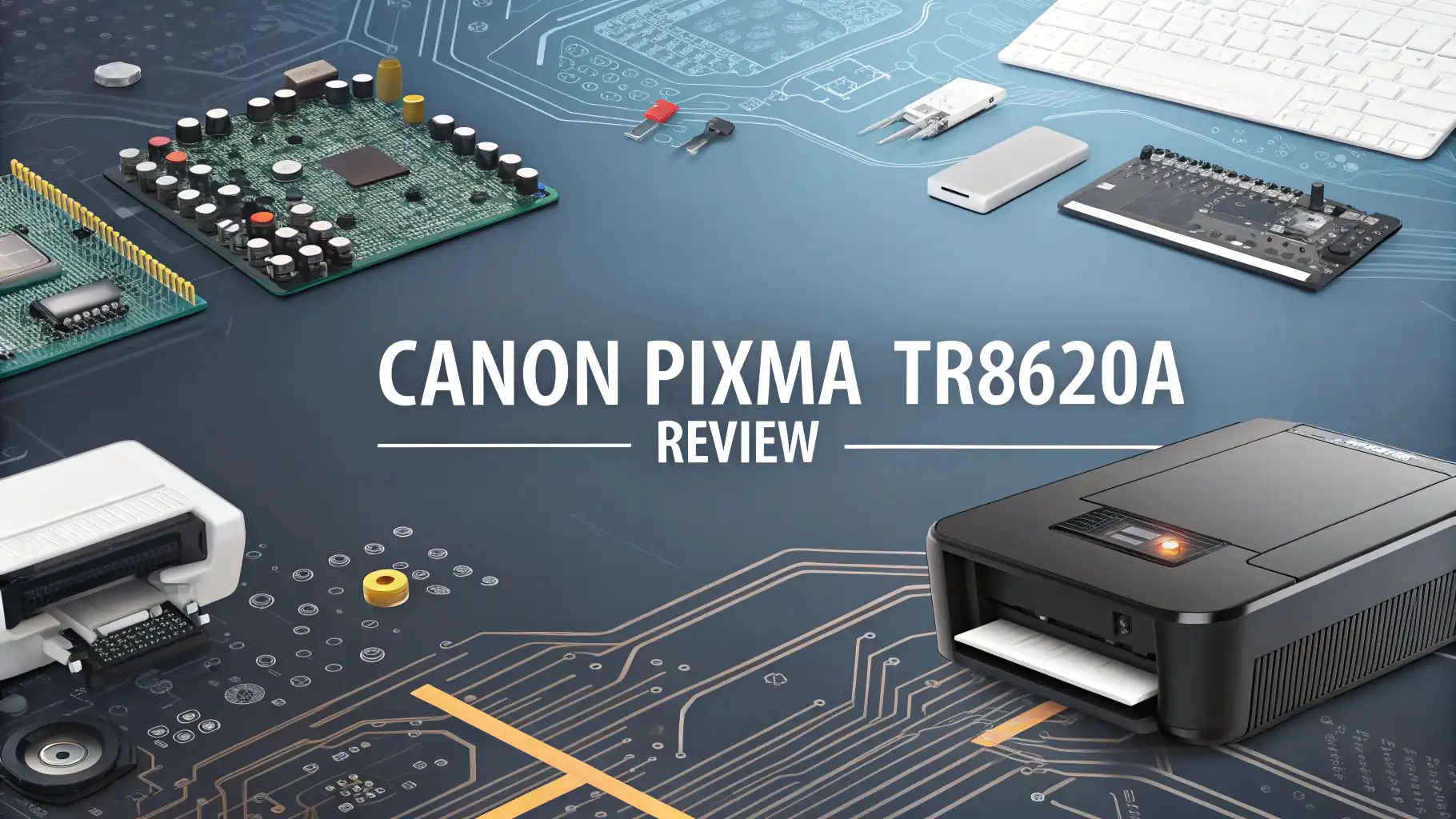
Looking for a printer that can handle all your home office needs without breaking the bank? The Canon Pixma TR8620A might be exactly what you need.
This all-in-one inkjet printer promises to deliver professional-quality prints, scans, copies, and faxes all from a single compact device.
In this comprehensive review, we will dive deep into every aspect of the Canon Pixma TR8620A to help you decide if this printer is the right fit for your needs.
Key Takeaways
- Print Quality That Impresses: The printer delivers stunning photo prints with accurate colors and excellent detail. It uses a five-individual ink system that produces vibrant images with smooth gradients.
- Versatile All-in-One Functionality: This printer handles printing, scanning, copying, and faxing with ease. The automatic document feeder can process up to 20 pages at once, saving you time on multi-page documents.
- Impressive Connectivity Options: The TR8620a supports WiFi, USB, and Ethernet connections. It also offers mobile printing through AirPrint, Google Cloud Print, and the Canon PRINT app.
- User-Friendly Touchscreen Display: The 4.3-inch color touchscreen makes navigation simple and intuitive.
- Consider Ink Costs: While the printer itself is reasonably priced, the individual ink cartridges can add up over time.
Canon Pixma TR8620A Overview

- Never run out of ink. Connect your printer to Alexa and receive notifications when you’re...
- Enrolling in Smart Reorders with Alexa ensures that you never have too much or too little ink...
The Canon Pixma TR8620A is a wireless all-in-one inkjet printer designed for home offices and small businesses. This versatile machine combines printing, scanning, copying, and faxing capabilities in a single compact unit.
Canon designed this printer to meet the diverse needs of modern home offices where space is often limited but functionality cannot be compromised.
This printer features a five-individual ink system that sets it apart from many competitors. Each color comes in its own cartridge, which means you only replace the color that runs out.
This design can save money over time compared to combined color cartridges. The system includes pigment black ink for sharp text documents and dye-based inks for vibrant photo prints.
The TR8620a offers a maximum print resolution of 4800 x 1200 dots per inch. This resolution ensures that both text documents and photographs look crisp and professional. The printer can produce borderless 4×6 photo prints in under one minute, which is impressive for an inkjet in this price range.
With dimensions of 17.6 inches wide, 11.1 inches tall, and 26.2 inches deep, the TR8620a has a relatively small footprint for an all-in-one device.
It weighs approximately 17.3 pounds, making it portable enough to move around your home office if needed. The sleek black design fits well in any professional or home environment.
Design and Build Quality
Canon has crafted the TR8620a with a focus on practicality and aesthetics. The printer features a clean, modern look with matte black surfaces and subtle gray accents.
The build quality feels solid and durable, with no creaky plastic parts or loose components. This printer is built to withstand daily use in a busy home office environment.
The front panel houses a tilting control panel with the 4.3-inch touchscreen display. This screen is large enough to preview photos and navigate menus comfortably.
The display tilts upward for easier viewing whether you are standing or sitting. All buttons are integrated into the touchscreen, reducing clutter and creating a sleek appearance.
The paper input trays are cleverly designed to maximize space efficiency. The front cassette holds up to 100 sheets of plain paper, while the rear feed can handle an additional 100 sheets or specialty media.
This dual-paper path allows you to keep different paper types loaded simultaneously. The automatic document feeder sits on top and can hold up to 20 pages for hands-free scanning and copying.
The output tray extends automatically when you send a print job, and it folds away when not in use. This smart design helps the printer maintain its compact appearance while in standby mode. Overall, the thoughtful design shows Canon paid attention to both form and function.
Top 3 Alternative for Canon Pixma TR8620A
![Canon Megatank G3290 All-in-One Wireless Supertank [Megatank] Printer | Print, Copy Scan | Mobile Printing |2.7' LCD Color Touchscreen | Auto Duplex](https://devicediary.blog/wp-content/plugins/aawp/public/image.php?url=YUhSMGNITTZMeTl0TG0xbFpHbGhMV0Z0WVhwdmJpNWpiMjB2YVcxaFoyVnpMMGt2TkRGVE9YWkpaa2hDVTB3dWFuQm58MTc3MjQwNzI1Nw=)
- Wireless Print/Copy/Scan (2)
- Up to 2 years of ink included

- Innovative Cartridge-Free Printing ― High-capacity ink tanks mean no more tiny, expensive ink...
- Impressive Print Quality ― Unique Micro Piezo Heat-Free Technology produces sharp text –...

- 8 COLOR dye-based ink system produces vibrant, high quality prints.
- Save space in your home or studio with a compact design
Print Quality and Performance
The Canon Pixma TR8620a delivers exceptional print quality that rivals more expensive photo printers. Text documents appear sharp and professional with deep blacks and clean edges.
The pigment black ink ensures that text does not bleed or smudge, even when using highlighter pens. This quality makes the printer suitable for important business documents.
Photo printing is where this printer truly shines. Colors are vibrant yet accurate, with smooth gradients and excellent detail retention. The five-individual ink system prevents color mixing and produces photos that look professionally printed.
Skin tones appear natural, and landscapes show beautiful depth and saturation. Many users report being impressed by the photo quality, which exceeds expectations for an all-in-one printer.
Print speeds are reasonable for an inkjet in this class. The printer produces approximately 15 pages per minute for black-and-white documents and 10 pages per minute for color prints.
Photo printing takes about 35 to 40 seconds for a 4×6 borderless print. These speeds are adequate for home office use, though busy offices might want faster options.
The automatic duplex printing feature works well and helps save paper. You can print double-sided documents without manually flipping pages, which is convenient and environmentally friendly.
The printer handles duplex printing without significant slowdowns, maintaining reasonable speeds even for double-sided jobs.
Scanning and Copying Features
The TR8620a offers both flatbed and automatic document feeder scanning options. The flatbed scanner accommodates single sheets, books, and odd-sized documents up to letter size. The glass surface is clean and easy to maintain, with a standard 1200 x 2400 optical resolution for detailed scans.
The automatic document feeder is a valuable feature for anyone who frequently scans or copies multi-page documents. It can handle up to 20 pages at once, automatically feeding each page through the scanner. This feature saves significant time when processing lengthy documents, contracts, or multi-page reports.
Copy quality is excellent, with the printer producing clear duplicates that match the original closely. The touch screen allows you to adjust copy settings easily, including size, darkness, and paper type. You can make multiple copies with a single command, and the feeder will process each page automatically.
The scanner software includes OCR functionality that converts scanned documents into editable text. This feature is useful for digitizing printed documents or extracting text from forms. The Canon PRINT app enhances scanning capabilities by allowing you to scan directly to your mobile device or cloud services.
Fax Capabilities
The built-in fax functionality makes the TR8620a an excellent choice for home offices that still need fax capability. The printer includes a 33.6Kbps modem for sending and receiving faxes.
You can store up to 100 speed dial numbers for quick faxing to frequent contacts. The automatic document feeder handles multi-page fax transmission without manual intervention.
Fax memory can store up to 50 incoming and outgoing pages. This feature ensures you receive faxes even when paper runs out or the printer is busy. The fax forward feature can automatically send received faxes to a designated email address, adding modern convenience to traditional faxing.
Setting up fax requires connecting the telephone line, which is straightforward with the clearly labeled port. You can configure the fax header with your business or personal information. The printer also supports Caller ID and junk fax rejection features for added privacy and convenience.
While fax usage has declined with email and digital communication, many businesses still require fax capability for legal documents, medical forms, and contracts. Having built-in fax saves you from purchasing a separate machine and keeps your office clutter-free.
Connectivity Options
The Canon Pixma TR8620a offers extensive connectivity options to fit any home office setup. Wireless connectivity is the standout feature, allowing you to place the printer anywhere within your WiFi range.
Setup is simple using the Canon PRINT app or the touchscreen display. Once connected, you can print from any computer or mobile device on your network.
USB and Ethernet connections provide reliable alternatives for those who prefer wired setups. USB is perfect for direct connections to a single computer, while Ethernet is ideal for shared office networks. These options ensure the printer works in any environment, whether you have WiFi infrastructure or prefer traditional connections.
Mobile printing support includes Apple AirPrint, Google Cloud Print, and Mopria Print Service. These protocols allow you to print directly from your smartphone or tablet without installing additional apps. The Canon PRINT app provides additional features like scanning to mobile and printer status monitoring.
The SD card slot is a welcome addition for photographers and anyone who works with memory cards. You can insert your camera’s SD card and print photos directly without using a computer. The touchscreen allows you to select photos, choose print sizes, and apply basic edits before printing.
Ink System and Cost Efficiency
The five-individual ink system is one of the TR8620a’s most compelling features. The printer uses five separate cartridges: pigment black for text, and cyan, magenta, yellow, and dye-based black for photos.
This separation ensures optimal ink usage and allows you to replace only the colors you need. The system produces excellent results for both documents and photographs.
Standard ink cartridges offer moderate page yields, but high-yield options are available for heavy users. The XL cartridges provide significantly more prints per cartridge, making them more economical for frequent printing. Many users find that the per-page cost is reasonable when using high-yield cartridges.
Third-party ink cartridges are compatible with this printer and offer significant cost savings. Several reputable brands make cartridges specifically for the TR8620a at lower prices than Canon’s original cartridges.
However, some users report that third-party inks may not match the quality of genuine Canon inks, particularly for photo printing.
Canon’s subscription service offers another way to reduce ink costs. The Auto-Ink Delivery program automatically ships replacement cartridges when your ink runs low. This service often provides discounts compared to retail prices, and it ensures you never run out of ink during important projects.
Paper Handling
The TR8620a handles various paper types and sizes with versatility. The front cassette holds 100 sheets of plain paper, keeping your everyday printing needs covered.
The rear feed accommodates an additional 100 sheets or specialty media like photo paper, envelopes, and cardstock. This dual-tray design allows convenient switching between plain paper and photo printing.
Paper size support includes letter, legal, 4×6, 5×7, 8×10, and square formats. The rear feed handles specialty sizes more easily than the cassette.
You can print borderless photos in several sizes, which is perfect for creating prints for framing or albums. The printer handles cardstock and envelopes through the rear feed without jamming.
The automatic document feeder accepts letter and legal size documents. It works well for scanning and copying multi-page documents hands-free. However, the feeder is not designed for thick paper or heavy cardstock, so you must use the flatbed for such materials.
Maximum monthly duty cycle is rated at 1,000 pages, which is suitable for light to moderate home office use. This rating means the printer can handle occasional busy periods without excessive wear.
User Interface and Display
The 4.3-inch color touchscreen is the centerpiece of the TR8620a’s user interface. This display is larger than many competitors, making it easier to navigate menus and preview photos.
The touchscreen responds quickly to taps and swipes, providing a smartphone-like experience. The interface is intuitive and requires minimal learning time.
Main functions are clearly organized into tabs for easy access. You can switch between copy, scan, fax, and print settings with a single tap. The home screen shows ink levels and quick access to recent jobs. Helpful tips appear contextually when you access less common features.
The Canon PRINT app enhances the user experience by providing mobile control. You can initiate scans, check ink levels, and monitor print jobs from your smartphone. The app also provides access to creative filters and templates for photo projects. This mobile integration adds modern convenience to traditional printing.
On-screen prompts guide you through setup and maintenance tasks. The printer reminds you when ink is low and provides step-by-step instructions for replacing cartridges. These guided procedures reduce confusion and help you maintain optimal print quality.
Setup Process
Setting up the Canon Pixma TR8620a is straightforward and takes approximately 15 to 20 minutes from start to finish. The included setup guide walks you through each step clearly. You start by removing packaging materials and installing the ink cartridges, which snap into place with minimal effort.
The initial ink installation is foolproof thanks to color-coded cartridge slots. The printer performs an initial ink charging process that takes a few minutes. This charging ensures the print head is primed and ready for quality prints. You should allow extra time for this initialization before attempting your first print.
Network setup is simple using the touchscreen wizard. The printer automatically detects available WiFi networks, and you enter your password using the on-screen keyboard. Once connected, the printer quickly downloads firmware updates if available. This wireless setup eliminates the need for cable routing.
Software installation offers both USB and network options. The Canon website provides drivers and the full software package. The PRINT app is available for iOS and Android devices. Overall, even technology novices can complete the setup without assistance.
Pros and Cons
The Canon Pixma TR8620a offers numerous advantages that make it an excellent home office choice. The print quality is outstanding, particularly for photo printing, which exceeds expectations for this price point. The five-individual ink system provides flexibility and can reduce long-term costs. The large touchscreen makes navigation intuitive, and the automatic document feeder adds valuable functionality.
Connectivity options are comprehensive, with WiFi, USB, Ethernet, and SD card support. The fax capability is a significant benefit for home offices that still need this feature. The compact design fits well in limited spaces without sacrificing functionality. Build quality feels solid and durable.
However, some drawbacks exist that are worth considering. Ink costs can add up over time, especially for high-volume printing. The print speeds are moderate and not suitable for very busy offices. The scanner lacks advanced features like automatic document recognition. Some users report occasional WiFi connectivity issues, though these seem relatively rare.
The lack of an Ethernet port on some versions may disappoint users with wired networks. The printer does not support automatic two-sided scanning, which requires manual page flipping. These limitations are minor compared to the overall value proposition but are worth noting.
Who Should Buy This Printer
The Canon Pixma TR8620a is ideal for home offices and small businesses that need versatile all-in-one functionality. Photographers and hobbyists will appreciate the excellent photo quality and SD card slot. Families will benefit from the wireless printing and easy mobile connectivity. Home-based professionals will find the fax and automatic document feeder invaluable.
Students can use this printer for assignments, research papers, and photo projects. The affordable price point makes it accessible for dorm rooms and apartments. The compact size fits nicely on desks and bookshelves. Parents will appreciate the ability to print school projects and photos without visiting a print shop.
Small business owners should consider this printer for basic office needs. The fax capability is useful for certain industries like healthcare and real estate. The automatic document feeder handles multi-page contracts and reports efficiently. However, businesses with very high print volumes might want to look at laser alternatives.
This printer may not be the best choice for large offices with heavy printing demands. Users who need automatic double-sided scanning should look elsewhere. Those who prioritize speed over print quality might find this printer too slow. Overall, the TR8620a excels in its target market of home offices and light business use.
Final Verdict
The Canon Pixma TR8620a delivers impressive value as a versatile home office printer. Its combination of print quality, features, and affordability makes it a top contender in its class. The five-individual ink system produces excellent results for both documents and photos. The large touchscreen and intuitive interface make daily use a breeze.
For most home office users, this printer offers everything needed at a reasonable price. The automatic document feeder, fax capability, and comprehensive connectivity options cover nearly all bases. While ink costs require consideration, the overall package is compelling. This printer earns our recommendation for anyone seeking a reliable all-in-one printer.
Frequently Asked Questions
How long does the Canon Pixma TR8620A last?
The printer has a maximum monthly duty cycle of 1,000 pages, and with proper maintenance, it can last for many years. Regular cleaning and using quality ink cartridges will extend its lifespan. Most users report satisfactory performance for three to five years with moderate use.
Does the Canon Pixma TR8620A automatically scan double-sided documents?
No, this printer does not support automatic double-sided scanning. You must manually flip double-sided originals when scanning multi-page documents. However, it does offer automatic double-sided printing for documents.
Can I use third-party ink cartridges with this printer?
Yes, the Canon Pixma TR8620A accepts third-party ink cartridges. Many compatible options are available at lower prices than Canon’s original cartridges. Be aware that using third-party ink may affect print quality and could void your warranty in some cases.
Is the Canon Pixma TR8620A good for printing photos?
Yes, this printer excels at photo printing. The five-individual ink system produces vibrant, accurate colors with excellent detail. It can print borderless photos in various sizes, and many users report professional-quality results. The SD card slot allows direct printing from cameras.
What is the difference between TR8620A and TR8620?
The TR8620A and TR8620 are essentially the same printer with minor regional differences. The “A” designation typically indicates the North American version. Both models offer identical features and performance. You can expect the same quality regardless of the designation.

Hi, I’m Sam! I’ve been passionate about technology for over a decade, fascinated by how innovative devices can transform our daily lives. As the founder of DeviceDiary.blog, I spend my days testing the latest gadgets, exploring AI innovations, and translating complex tech specs into practical insights.