Are you tired of spending a fortune on ink cartridges every few months? The Epson EcoTank ET-2800 promises to solve that exact problem.
This cartridge-free supertank printer has been a favorite among budget-conscious home users since its release. But does it still hold up in 2026?
In this review, we put the Epson EcoTank ET-2800 through its paces. We cover everything from print quality and ink efficiency to scanning performance and wireless setup.
Key Takeaways
- The ET-2800 eliminates expensive ink cartridges. It uses a refillable supertank ink system. Epson includes enough ink in the box to last up to 2 years of typical home use. That translates to roughly 4,500 black pages and 7,500 color pages before you need a refill.
- Print quality is solid for everyday documents. Text output is clear, and color prints look decent for school assignments, basic reports, and casual photo prints. However, photo quality does not match dedicated photo printers.
- Print speed is on the slower side. The ET-2800 delivers about 10.5 pages per minute (ppm) in black and 5 ppm in color. This is fine for light home use but could frustrate users with large print jobs.
- It is a true all-in-one machine. You get print, scan, and copy functions in a single compact device. The flatbed scanner has a 1200 dpi optical resolution, which produces clean scans of documents and photos.
- Wireless printing is easy and convenient. The printer supports Wi-Fi connectivity, and you can print directly from your smartphone or tablet using the Epson Smart Panel app. It also works with voice-activated printing through Alexa and Google Assistant.
- The price point remains attractive. With a retail price often found around $180 to $200, the ET-2800 delivers strong long-term value because the ongoing ink costs are extremely low compared to cartridge-based printers.
Epson EcoTank ET-2800 Overview

- Innovative Cartridge-Free Printing ― High-capacity ink tanks mean no more tiny, expensive ink...
- Dramatic Savings on Replacement Ink ― Save up to 90% with replacement ink bottles vs. ink...
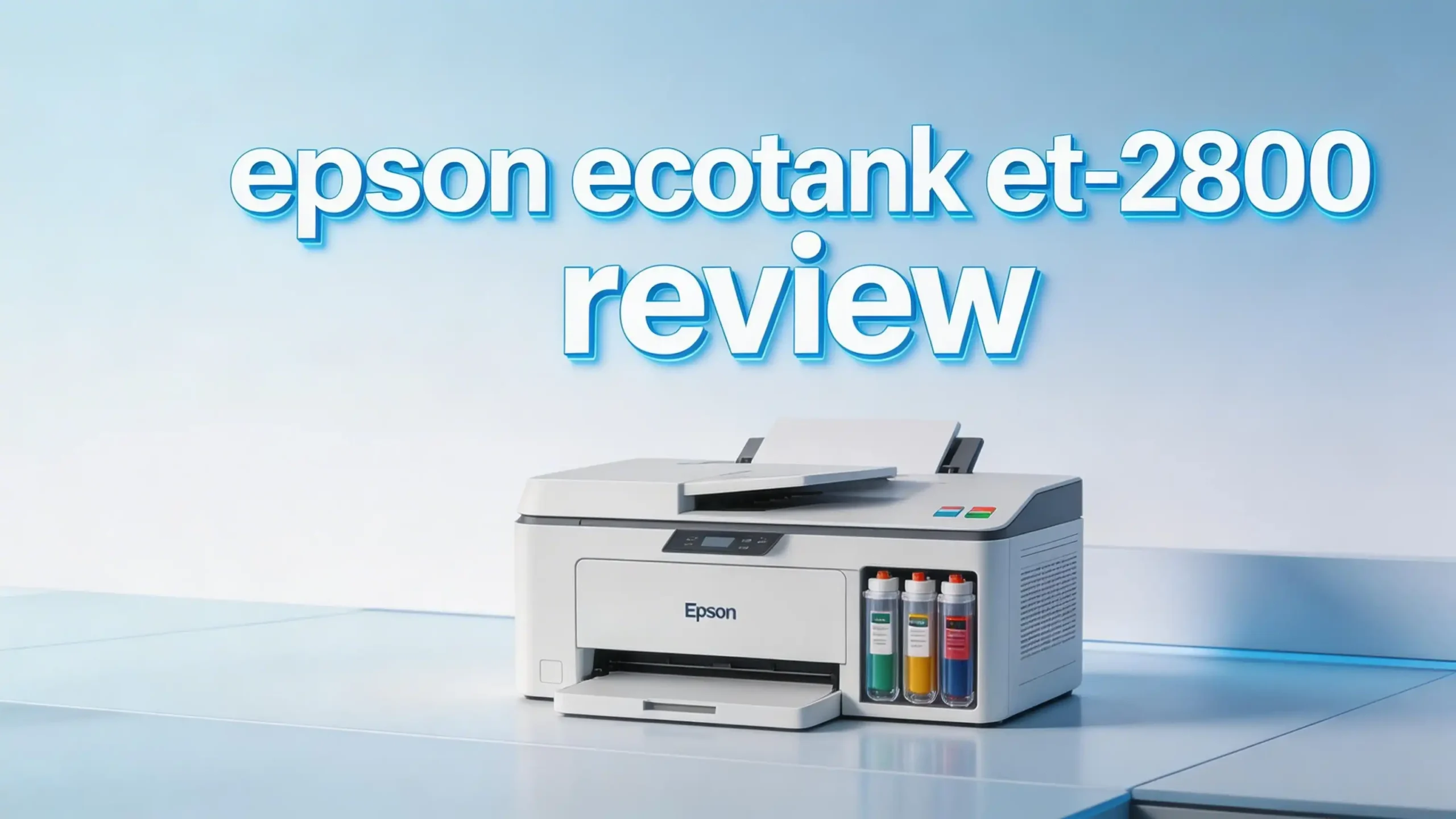
The Epson EcoTank ET-2800 is a wireless color all-in-one inkjet printer. It prints, scans, and copies. Epson designed it for basic home printing tasks. The printer weighs about 11.5 pounds and measures 14.8 x 22.8 x 10 inches. It fits easily on a desk or shelf.
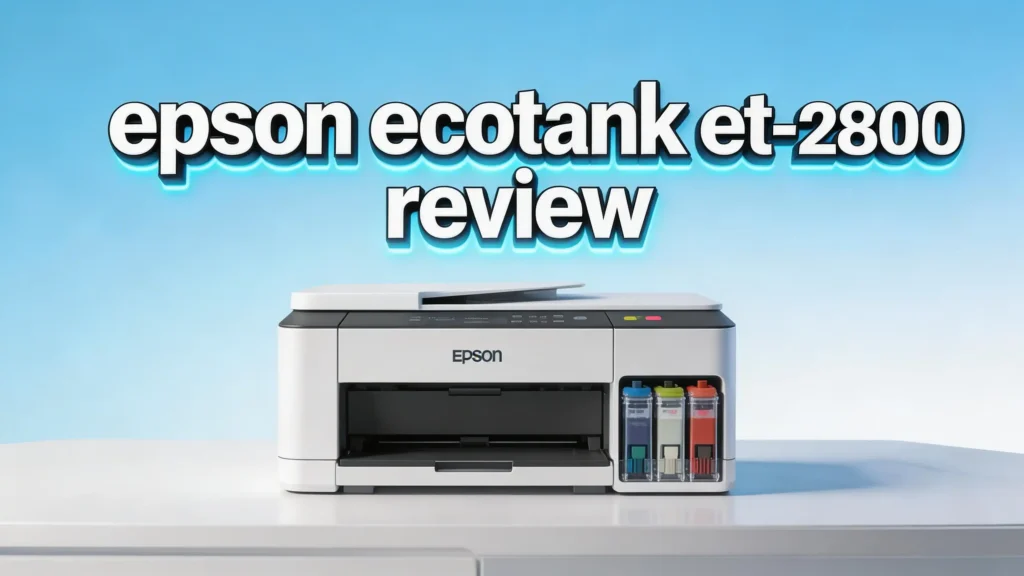
The standout feature is the EcoTank supertank ink system. Instead of buying small, pricey cartridges, you refill large ink tanks with affordable bottles. Epson’s EcoFit ink bottles snap into place and fill the tanks without mess. This system saves money over time.
The ET-2800 includes a 1.44-inch color LCD display for basic navigation. It supports USB and Wi-Fi connectivity. You can print from a computer, phone, or tablet. The printer also supports Apple AirPrint, Chromebook printing, and Fire OS printing.
Print Quality and Resolution
The ET-2800 offers a maximum print resolution of 5760 x 1440 dpi. This sounds impressive on paper, and the results are quite good for everyday use. Black text prints appear sharp and readable. Fine details in documents come through clearly.
Color printing is where things get interesting. The ET-2800 handles color graphics and charts well enough for home and school projects. Colors appear vibrant on standard paper. However, photo prints on glossy paper lack the punch you would find on higher-end printers.
Smaller text on colored backgrounds can sometimes appear slightly soft. This is a minor issue that most home users will not notice. If you need professional-grade photo prints, you should consider a dedicated photo printer. For letters, reports, homework, and casual photos, the ET-2800 delivers satisfying results.
Print Speed Performance
Speed is not the ET-2800’s strongest suit. Epson rates it at 10.5 ppm for black-and-white and 5 ppm for color. In real-world testing, results can vary slightly. A five-page text document takes about 35 seconds to print.
Color documents and photos take noticeably longer. A full-page color photo can take a couple of minutes. If you regularly print large batches, this could become frustrating. The printer performs best as a light-duty home printer for occasional use.
That said, the ET-2800 handles short print jobs fairly quickly. First-page-out time is reasonable. If you print a few pages at a time, the speed feels perfectly acceptable. It is a trade-off for the extremely low cost per page.
Top 3 Alternatives for Epson EcoTank ET-2800

- EcoTank ET-2850 All-in-One Supertank Printer - Black
- Built-in wireless (802.11b/g/n) allows you to print from virtually anywhere.

- Enjoy an ink savings of 1,175 and experience high yields of up to 6,000 black / 7,700 printed...
- Print both documents and photos on a variety of paper types using a hybrid ink system with...

Ink System and Cost Per Page
The EcoTank ink system is the main selling point of the ET-2800. Each set of ink bottles (one black and three color) comes included in the box. Epson claims this ink supply lasts up to 2 years based on average home use.
Replacement ink bottles are affordable. A full set of Epson 502 ink bottles typically costs around $25 to $40. Compare that to traditional cartridge printers where a single set of cartridges can cost $50 or more. The cost per page drops to fractions of a cent.
The EcoFit bottle design makes refilling simple. Each bottle has a keyed tip that only fits the correct tank. You squeeze the bottle, and the ink flows in. There is very little risk of spills or cross-contamination. This refill system is one of the best on the market.
Scanning and Copying Features
The ET-2800 includes a flatbed scanner with a 1200 dpi optical resolution. It scans documents and photos with good clarity. Scanned images show accurate colors and fine detail. The scanner handles standard letter-size and A4 documents.
The copy function is straightforward. You place a document on the flatbed, press the copy button, and the printer produces a duplicate. Copies look clean and accurate. You can adjust settings like copy density and paper size from the control panel.
One missing feature is an automatic document feeder (ADF). You must place each page manually on the flatbed glass. This makes scanning or copying multi-page documents slow. If you handle many multi-page scans, the ET-2850 or a different model with an ADF would serve you better.
Wireless Setup and Connectivity
Setting up the ET-2800 on your Wi-Fi network is simple and fast. The Epson Smart Panel app guides you through each step. You connect the printer to your home Wi-Fi network, and it becomes available to every device on that network.
The printer supports Wi-Fi Direct for direct connections without a router. It is also compatible with Apple AirPrint, Google Chrome OS, and Amazon Fire OS. You can send print jobs from an iPhone, Android phone, tablet, or Chromebook.
Voice-activated printing works with Alexa and Google Assistant. You can give a voice command to print common items like shopping lists, calendars, and coloring pages. The USB port offers a wired connection option for computers that need it.
Paper Handling and Input Capacity
The ET-2800 has a rear paper feed tray that holds up to 100 sheets of plain paper. This is enough for light home use. You will not need to refill the tray constantly unless you print in large volumes.
The printer accepts various paper sizes. It handles letter, legal, and A4 sizes along with smaller formats like envelopes and 4 x 6-inch photo paper. Borderless printing is available on select paper sizes. This feature is handy for printing photos without white edges.
One limitation is the lack of a second paper tray. You cannot load photo paper and plain paper at the same time. Switching between paper types requires you to swap out the paper in the single tray. This is a common trade-off at this price point.
Design and Build Quality
The ET-2800 has a compact and modern design. It comes in both black and white color options. The front-facing ink tanks are visible through a translucent window. You can easily check your ink levels at a glance.
Build quality feels solid for a budget printer. The plastic housing is sturdy enough for a desk or home office shelf. The printer does not feel flimsy. The control panel sits on top with a small 1.44-inch color LCD screen and a few physical buttons.
The overall footprint is reasonable. It does not take up much desk space. The output tray extends from the front, and the paper feed loads from the rear. The design is functional and clean without unnecessary bulk.
Epson Smart Panel App Experience
The Epson Smart Panel app is available for both iOS and Android. It serves as your main control center for wireless printing. You can print photos directly from your phone’s camera roll, scan documents to your device, and check ink levels.
The app also provides access to creative templates. You can print coloring pages, lined paper, graph paper, and greeting cards. These templates are free and update regularly. Families with children will find this feature especially useful.
Setup through the app is straightforward. It detects the printer on your network and walks you through configuration. You can also use the app to troubleshoot issues like Wi-Fi connection problems or print head clogs. It adds genuine convenience to the overall experience.
Who Should Buy the Epson EcoTank ET-2800?
This printer is ideal for students, families, and home users who print regularly but do not need blazing speed. If you print homework, school projects, recipes, shipping labels, and occasional photos, the ET-2800 handles all of these tasks well.
Remote workers who need a basic printer for documents will also appreciate it. The low ongoing cost makes it a smart financial choice. You save significant money on ink over the life of the printer.
This printer is not the best fit for users who need fast output, high-volume batch printing, or professional photo quality. It also lacks duplex printing and an ADF. If those features matter to you, step up to the ET-2850 or consider a different printer category altogether.
Epson EcoTank ET-2800 Pros and Cons
Pros:
The biggest advantage is the incredible ink savings. You spend a fraction of what cartridge printers cost over time. The included ink supply lasts up to two years. Print quality for text and everyday color documents is very good for the price.
Wireless printing and app support add modern convenience. The compact design fits into small spaces. The refillable tank system is easy to use and nearly mess-free.
Cons:
Print speed is below average. There is no automatic duplex printing. The scanner lacks an automatic document feeder. Photo quality, while acceptable, does not compete with dedicated photo printers. The 100-sheet paper capacity may feel limiting for some users.
Long-Term Reliability and Maintenance
The ET-2800 has earned a positive reputation for long-term reliability. Many users report running this printer for over a year without issues. The print heads are built into the printer, and Epson includes a maintenance utility in the software to clean and align them.
One potential concern is print head clogging. If the printer sits unused for extended periods, the ink can dry in the print heads. The fix is simple. Run the built-in head cleaning cycle. To prevent this, print at least a few pages each week.
The ink tanks are durable and well-sealed. Leaks are rare. Epson’s customer support and warranty cover defects for one year. Overall, the ET-2800 is a dependable printer that holds up well with regular use.
Final Verdict: Is the Epson EcoTank ET-2800 Worth It in 2026?
- Innovative Cartridge-Free Printing ― High-capacity ink tanks mean no more tiny, expensive ink...
- Dramatic Savings on Replacement Ink ― Save up to 90% with replacement ink bottles vs. ink...
Yes, the Epson EcoTank ET-2800 remains a strong buy in 2026. It delivers on its core promise of extremely low ink costs. The print quality is good for everyday home tasks. Wireless setup is easy, and the Epson Smart Panel app adds real value.
The trade-offs are clear. You give up speed, duplex printing, and an automatic document feeder. If those features are not critical to you, the ET-2800 is one of the best value printers on the market today.
For families, students, and casual home users who want to stop wasting money on expensive ink cartridges, this printer is a no-brainer. It pays for itself in ink savings within the first year.
Frequently Asked Questions
Does the Epson EcoTank ET-2800 come with ink?
Yes. Epson includes a full set of ink bottles in the box. This includes one black and three color bottles (cyan, magenta, yellow). The included ink can print up to 4,500 black pages and 7,500 color pages.
Can the Epson ET-2800 print photos?
Yes, it can print photos on glossy photo paper. It supports borderless printing on 4 x 6-inch paper. The photo quality is acceptable for casual prints. However, it does not match the output of dedicated photo printers.
Does the ET-2800 support duplex (two-sided) printing?
No, it does not. The ET-2800 only prints on one side of the paper. If you need automatic duplex printing, consider the Epson EcoTank ET-2850, which includes that feature.
How do you connect the ET-2800 to Wi-Fi?
You can connect it through the Epson Smart Panel app on your phone or through the printer’s control panel. The app walks you through the Wi-Fi setup process step by step. You can also use Wi-Fi Direct for a direct connection.
How long does the ink last on the Epson ET-2800?
Epson estimates the included ink lasts up to 2 years based on average home printing. Actual results depend on how much you print. Heavy users may need refills sooner, but replacement bottles are inexpensive.
Is the Epson ET-2800 good for a home office?
It works well for light home office use. It handles documents, scanning, and copying. However, if you need fast printing, duplex support, or an automatic document feeder for multi-page scanning, a more advanced model would be a better fit.

Hi, I’m Sam! I’ve been passionate about technology for over a decade, fascinated by how innovative devices can transform our daily lives. As the founder of DeviceDiary.blog, I spend my days testing the latest gadgets, exploring AI innovations, and translating complex tech specs into practical insights.