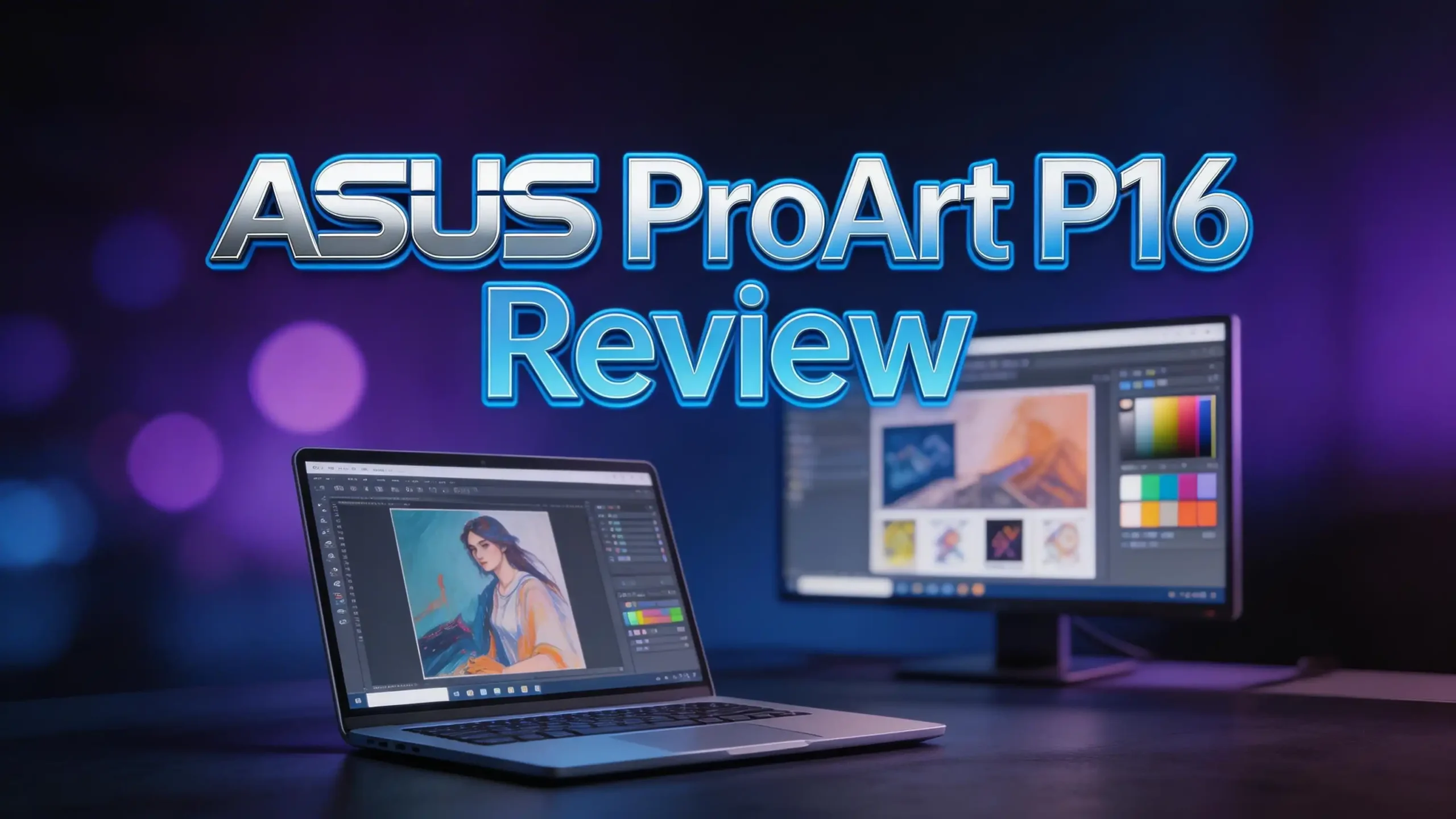
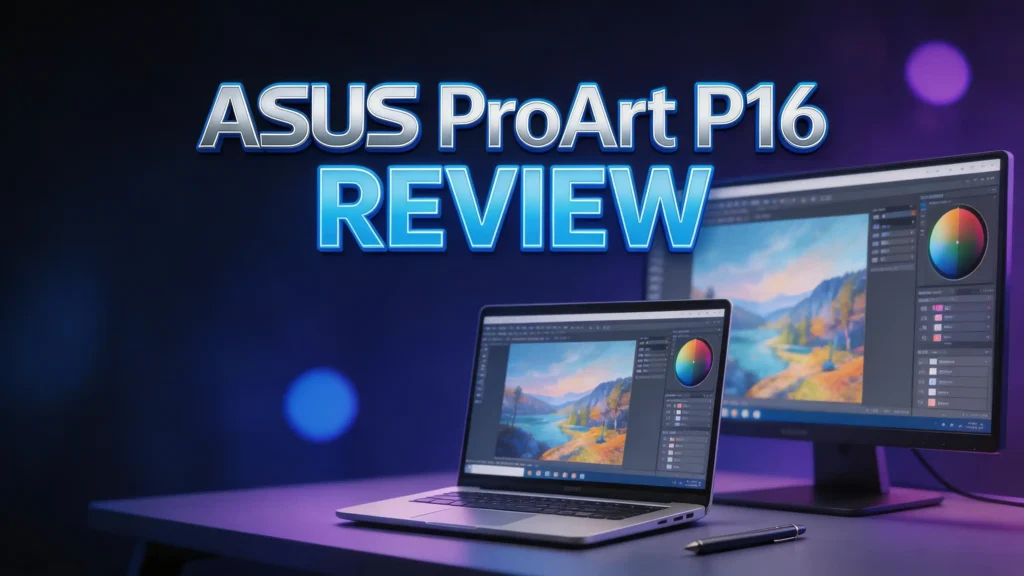
If you create content for a living, you know the pain of a slow laptop. Laggy renders, dull screens, and short battery life can kill your workflow. The ASUS ProArt P16 (H7606) promises to fix all of that.
It packs a stunning 4K OLED touchscreen, up to an NVIDIA RTX 5090 GPU, and the AMD Ryzen AI 9 HX 370 processor into a sleek 4.3-pound body.
In this review, we break down everything about the ASUS ProArt P16. You will learn about its display, performance, battery life, design, and more.
Key Takeaways
- The 4K OLED display is one of the best ever put on a laptop. It covers 100% DCI-P3 color gamut with Delta E < 1 accuracy. Peak brightness reaches up to 1,600 nits. This screen is Pantone-validated and perfect for color-critical work.
- Performance is record-breaking on Windows. The AMD Ryzen AI 9 HX 370 processor pairs with up to an RTX 5090 laptop GPU and 64GB of LPDDR5X RAM. This combination handles 4K and 8K video editing, 3D rendering, and AI workloads with ease.
- Battery life is surprisingly strong for a creator laptop. Multiple reviewers recorded between 10 and 13 hours on standard productivity tasks. This is impressive given the powerful hardware inside the machine.
- The ASUS DialPad is a unique creative tool. A small dial built into the touchpad lets you control brush size, timeline scrubbing, and other functions in supported apps. It adds real value for editors and designers.
- The build quality matches the premium price tag. A matte black aluminum body weighs just 4.3 pounds at 22mm thickness. The design is clean, modern, and smudge-resistant.
- Pricing starts around $1,699 and climbs to $2,700+ for top configurations. The RTX 5090 model with 64GB RAM and 4TB storage sits at the high end. You pay a premium, but you get flagship performance in return.
ASUS ProArt P16: Overview and First Impressions
![HIDevolution [2025] ASUS ProArt P16 H7606WP Black 16' 3K 120Hz OLED Touch, 2.0 GHz Ryzen AI 9 HX 370, RTX 5070, 32 GB LPDDR5X RAM, 2 TB PCIe SSD, Windows 11 Home](https://devicediary.blog/wp-content/plugins/aawp/public/image.php?url=YUhSMGNITTZMeTl0TG0xbFpHbGhMV0Z0WVhwdmJpNWpiMjB2YVcxaFoyVnpMMGt2TkRGQ1ZWcE9ZVUZKVlV3dWFuQm58MTc4OTcwMDI1Mw=)
- AMD Ryzen AI 9 HX 370 12 Core - 24 Thread Processor, 2.0 GHz (Max Turbo Frequency 5.1 GHz...
- HIDevolution upgrades the 16.0" 3K (2880 x 1800) 120Hz OLED Touch screen with stocked Thermal...
Last update on 2026-09-15 / Affiliate links / Images from Amazon Product Advertising API
The ASUS ProArt P16 (H7606) is a 16-inch creator laptop built for professionals who demand serious power. ASUS designed it as a direct competitor to the MacBook Pro 16. It runs Windows 11 and packs the latest AMD and NVIDIA hardware.
Right out of the box, this laptop feels premium. The matte black aluminum chassis resists fingerprints well. A “stealth hinge” tucks away at the rear for a clean look. The ASUS logo sits small on the lid corner. Everything about the design says “professional.”
The laptop weighs 4.3 pounds and measures 22mm at its thickest point. This is light for a 16-inch machine with a dedicated GPU. You can carry it in a backpack without much trouble.
Opening the lid reveals the gorgeous OLED display and a full-size keyboard. The six-speaker audio system hits you with surprisingly loud, clear sound. First impressions are strong. This laptop looks and feels like it belongs in a high-end studio.
Display Quality: A 4K OLED Masterpiece
The display is the star feature of the ASUS ProArt P16. It uses ASUS Lumina OLED technology with a resolution of 3840 x 2400 pixels. That gives you a sharp 283 pixels per inch across 16 inches.
Color accuracy is class-leading. The panel covers 100% of the DCI-P3 color space. Delta E sits below 1, which means colors are nearly perfect out of the box. Pantone validation confirms this screen is ready for professional color work.
Brightness is another strong point. Peak brightness reaches up to 1,600 nits in HDR content. The contrast ratio hits 1,000,000:1. Dark scenes look truly black because OLED pixels turn off completely.
The screen also runs at 120Hz with a 0.2ms response time. This makes scrolling feel buttery smooth. Touch input works well for creative apps. One small downside is the glossy finish. It can reflect light in bright environments. Overall, this is one of the finest laptop displays money can buy.
Performance: Breaking Windows Records
- AMD Ryzen AI 9 HX 370 12 Core - 24 Thread Processor, 2.0 GHz (Max Turbo Frequency 5.1 GHz...
- HIDevolution upgrades the 16.0" 4K (3840 x 2400) 120Hz OLED Touch screen with stocked Thermal...
Last update on 2026-09-15 / Affiliate links / Images from Amazon Product Advertising API
The ASUS ProArt P16 delivers exceptional processing power. The AMD Ryzen AI 9 HX 370 is a 12-core, 24-thread processor that boosts up to 5.1GHz. It also includes a 50 TOPS NPU for on-device AI tasks.
GPU options include the NVIDIA GeForce RTX 5070 and the RTX 5090 laptop GPU. The RTX 5090 model comes with 24GB of GDDR7 video memory. This is enough for heavy 3D rendering, AI model training, and real-time 8K video editing.
RAM goes up to 64GB of LPDDR5X. Storage maxes out at 4TB of PCIe NVMe SSD in the top configuration. These specs put the ProArt P16 ahead of most workstation laptops.
WIRED reported that it broke Windows-based records on general productivity and graphics benchmarks. Adobe Premiere Pro, DaVinci Resolve, Blender, and CapCut all run smoothly on this machine. Performance does drop on battery power, so keep the 240W charger handy for heavy workloads.
Top 3 Alternatives for ASUS ProArt P16
1. Apple MacBook Pro 16 (M4 Pro)

- SUPERCHARGED BY M4 PRO OR M4 MAX — The 16-inch MacBook Pro with the M4 Pro or M4 Max chip...
- CHAMPION CHIPS — The M4 Pro chip blazes through demanding tasks like compiling millions of...
Last update on 2026-09-15 / Affiliate links / Images from Amazon Product Advertising API
The MacBook Pro 16 remains the benchmark for creator laptops. The M4 Pro chip delivers outstanding performance with incredible battery life. macOS offers tight integration with Final Cut Pro and Logic Pro. However, it lacks a touchscreen and runs macOS instead of Windows.
2. Dell XPS 16 (9640)

- 【Future-Ready Performance】Harness the latest Ultra 9-185H with 16 cores and 22 threads...
- 【True-to-Life Colors, Stunning Detail】Enjoy cinema-quality visuals with a 3840 x...
Last update on 2026-09-15 / Affiliate links / Images from Amazon Product Advertising API
The Dell XPS 16 offers a beautiful 4K OLED touchscreen and Intel Core Ultra processors paired with RTX 4060 graphics. Build quality is excellent. It is a good choice for creators who prefer the Dell ecosystem, though its GPU falls behind the ProArt P16.
3. Lenovo Yoga Pro 9i 16

- Processor - Intel Ultra 9 285H Processor (E-cores up to 4.50 GHz P-cores up to 5.40 GHz)
- Operating System - Windows 11 Pro 64
Last update on 2026-09-15 / Affiliate links / Images from Amazon Product Advertising API
The Lenovo Yoga Pro 9i 16 features an Intel Ultra 9 285H processor, RTX 5060 graphics, and a stunning 3.2K Tandem OLED display. It offers solid creative performance in a premium 2-in-1 design. The touchscreen flips 360 degrees for tablet mode.
Keyboard and Touchpad Experience
The ASUS ProArt P16 has a full-size chiclet keyboard with 1.7mm key travel. Keys feel firm and responsive. The backlighting is even and adjustable. Typing for long hours is comfortable.
Arrow keys use a half-height design, which some users may dislike. A full-height layout would be better for video editors who rely on frame-by-frame navigation. There is no numeric keypad either. The 16-inch body could have fit one, but ASUS chose extra speaker space instead.
The real standout is the ASUS DialPad. This is a small circular dial embedded in the upper-left corner of the touchpad. It works with Adobe Photoshop, Premiere Pro, After Effects, and other creative apps.
You can use the dial to adjust brush size, scrub timelines, change opacity, and more. It adds a physical control element that most laptops lack. The touchpad itself is large, smooth, and accurate. Some reviewers note it may be too large, leading to accidental palm touches during typing.
Battery Life: Surprisingly Long-Lasting
Battery life is a common weakness in high-performance creator laptops. The ASUS ProArt P16 breaks that trend. ASUS claims up to 17 hours of battery life with the RTX 5070 configuration.
Real-world tests show more modest but still impressive numbers. PCMag recorded nearly 13 hours on its battery rundown test. CNET measured about 10 hours and 52 minutes. These results place the ProArt P16 among the longest-lasting creator laptops on the market.
Battery life drops during GPU-heavy tasks like video rendering or 3D modeling. The laptop uses a 90Wh battery and ships with a 240W proprietary charger. You can also charge through USB-C, but at a slower rate.
For everyday tasks like web browsing, document editing, and light photo work, you can easily get a full workday out of a single charge. This is a huge plus for creators who work on the go.
Build Quality and Design
The ASUS ProArt P16 uses a full aluminum chassis with a matte black finish called Nano Black. The surface resists smudges and fingerprints better than most dark laptops. It feels solid in hand without being bulky.
At 4.3 pounds and 22mm thick, this laptop strikes a good balance between power and portability. The stealth hinge design hides the hinge barrel behind the screen. This gives the laptop a clean, minimal look from the front.
The lid opens smoothly with one hand. The screen bezels are thin on all four sides. Overall build quality is premium and durable. It feels like ASUS built this machine to handle daily travel and studio use without issue.
One small note: the laptop does get warm under sustained load. Fan noise also increases during heavy tasks. The heat stays manageable, but the fan sound can be noticeable in quiet rooms.
Audio Quality: Six Speakers That Impress
Most laptops skimp on speakers. The ASUS ProArt P16 does not. It packs six speakers into its slim body. Sound output is loud, clear, and full.
WIRED noted the audio can be “deafening at short range” at full volume. This is rare for a laptop. Bass response is decent for a thin machine. Highs and mids sound balanced and natural.
Video editors will appreciate the audio quality for reviewing footage without headphones. Music producers can use the speakers for quick reference playback. The speakers support Dolby Atmos for spatial audio, which adds depth to movies and music.
A 3.5mm headphone jack is included for wired audio. The built-in microphone array also performs well for video calls. For a laptop, the ProArt P16 delivers an above-average audio experience across the board.
Connectivity and Ports
Port selection on the ASUS ProArt P16 is practical and well-rounded. You get two USB-C ports, with one supporting USB 4 and Thunderbolt speeds. Two USB-A ports handle legacy devices. A full-size HDMI port connects to external monitors.
The full-size SD card slot is a welcome addition. Photographers and videographers can transfer files directly without a dongle. This is a feature many thin laptops have dropped in recent years.
A proprietary DC-in port connects the 240W charger. You can also charge via USB-C at lower wattage. Wi-Fi 7 (802.11be) with triple-band support ensures fast wireless speeds. Bluetooth connectivity is also included.
The port layout covers most professional needs. You rarely need a USB hub or adapter with this laptop. This is a practical advantage for creators who work with multiple peripherals.
AI Features and NPU Performance
The AMD Ryzen AI 9 HX 370 processor includes an XDNA NPU rated at 50 TOPS. This makes the ProArt P16 a Copilot+ PC under Microsoft’s standard. The NPU handles on-device AI tasks without using the CPU or GPU.
AI features include Windows Copilot integration, real-time translation, live captions, and smart image editing tools in supported apps. Adobe products use the NPU for faster AI-powered features like generative fill and content-aware removal.
The 50 TOPS NPU is strong enough for local AI model inference. Developers and researchers can run lightweight language models and image generators on this laptop without cloud access.
ASUS also adds its own ProArt Creator Hub software. It lets you calibrate the display, manage color profiles, and optimize performance profiles for different creative workflows. The software is clean and useful without being bloated.
Who Should Buy the ASUS ProArt P16?
The ASUS ProArt P16 is ideal for professional video editors, graphic designers, 3D artists, and photographers. If your work demands color accuracy, GPU power, and a large display, this laptop delivers on all fronts.
Students in design or film programs will also benefit from the ProArt P16. The battery life is long enough for a full day of classes and editing sessions. The 16-inch 4K OLED screen makes detail work easy.
Developers who work with AI and machine learning models will appreciate the NPU and RTX 5090 GPU. These components accelerate training and inference tasks locally.
Casual users and basic office workers do not need this much power. The price starts at $1,699 and climbs past $2,700 for the top model. If you only browse the web, write documents, and handle spreadsheets, a cheaper laptop will serve you better.
Pros and Cons of the ASUS ProArt P16
What we love: The 4K OLED display is breathtaking. Color accuracy is studio-grade. Performance sets new records for Windows laptops. Battery life surprises for a machine this powerful. The DialPad adds genuine creative value. Build quality feels premium without excessive weight.
What could be better: The glossy screen reflects light in bright settings. Fan noise gets loud under heavy load. The touchpad is arguably too large, causing occasional palm rejection issues. Half-height arrow keys are less convenient for some workflows. The top-spec model costs over $2,700, which is a significant investment.
The bottom line: If you need a Windows laptop for serious creative work in 2026, the ASUS ProArt P16 is hard to beat. It offers a rare combination of display quality, raw power, and portability that few competitors can match.
Is the ASUS ProArt P16 Worth It in 2026?
The creator laptop market moves fast. New models from Apple, Dell, and Lenovo launch every year. Yet the ASUS ProArt P16 still holds its ground as one of the best Windows options available in 2026.
The combination of the Ryzen AI 9 HX 370 processor, RTX 5090 GPU, and 4K OLED display is hard to find elsewhere at this price. The build quality, battery life, and unique DialPad feature add extra value.
If you create content professionally, this laptop can speed up your entire workflow. Faster renders mean more time for creative decisions. A better screen means more accurate color output. These gains compound over months and years of daily use.
For the price, the ASUS ProArt P16 delivers outstanding value compared to its competitors. It earns our strong recommendation for creative professionals in 2026.
Frequently Asked Questions
Is the ASUS ProArt P16 good for video editing?
Yes. The ASUS ProArt P16 is excellent for video editing. The RTX 5090 GPU handles 4K and 8K timelines smoothly in Adobe Premiere Pro and DaVinci Resolve. The 4K OLED display provides accurate color representation for grading work. The 64GB RAM option ensures large projects load fast.
How long does the ASUS ProArt P16 battery last?
Battery life varies by task. Reviewers report between 10 and 13 hours on standard productivity work. ASUS claims up to 17 hours for light usage. GPU-heavy tasks like rendering will drain the battery much faster. The 90Wh battery is solid for a creator laptop.
Can the ASUS ProArt P16 run games?
Yes, the ASUS ProArt P16 can run modern games. The RTX 5090 GPU delivers strong frame rates at high settings. However, this laptop is optimized for creative work, not gaming. Fan noise and heat may increase during long gaming sessions. Dedicated gaming laptops may offer better thermal management for extended play.
What is the ASUS DialPad feature?
The ASUS DialPad is a small dial built into the touchpad. It provides physical rotary control for supported creative applications. You can adjust brush size in Photoshop, scrub video timelines in Premiere Pro, and control other parameters by spinning the dial. It adds hands-on precision that a standard touchpad cannot offer.
How does the ASUS ProArt P16 compare to the MacBook Pro 16?
Both laptops target creative professionals. The ProArt P16 offers a touchscreen, Windows compatibility, and higher GPU power with the RTX 5090. The MacBook Pro 16 provides better battery life, macOS integration, and Apple Silicon efficiency. Your choice depends on your preferred operating system and software ecosystem.
Is the ASUS ProArt P16 display good for photo editing?
The display is one of the best for photo editing. It covers 100% DCI-P3 with Delta E below 1. Pantone validation confirms color accuracy. The 4K resolution at 283 PPI shows fine detail clearly. Professional photographers and retouchers will find this screen meets their standards.

Hi, I’m Sam! I’ve been passionate about technology for over a decade, fascinated by how innovative devices can transform our daily lives. As the founder of DeviceDiary.blog, I spend my days testing the latest gadgets, exploring AI innovations, and translating complex tech specs into practical insights.